
Ready to speak with
a project expert?
a project expert?
Call 1-800-260-2776.
We're ready to listen!
We're ready to listen!


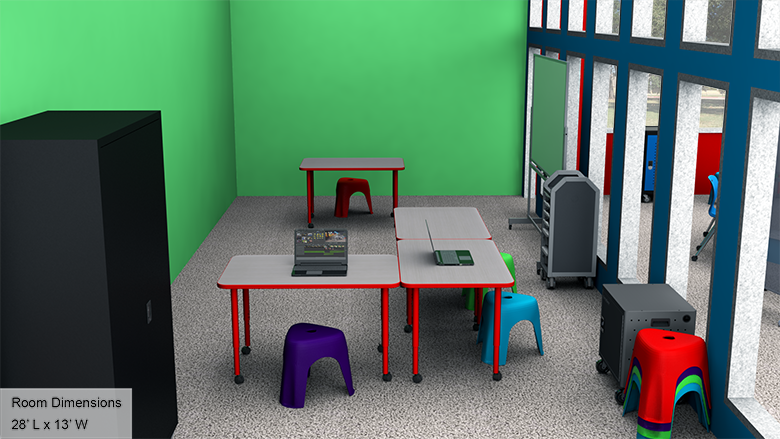
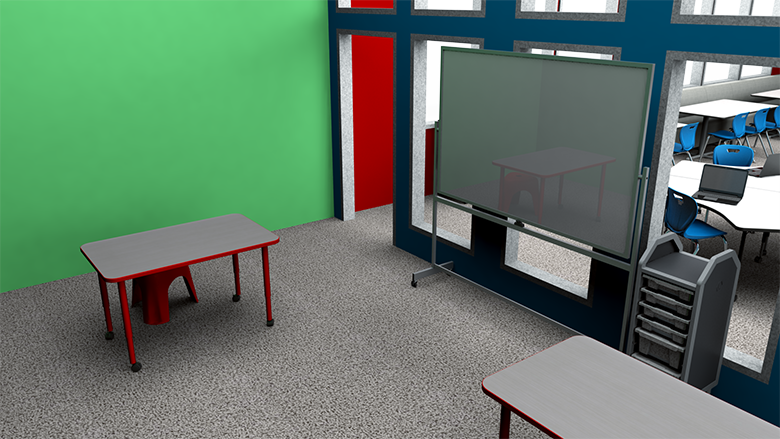
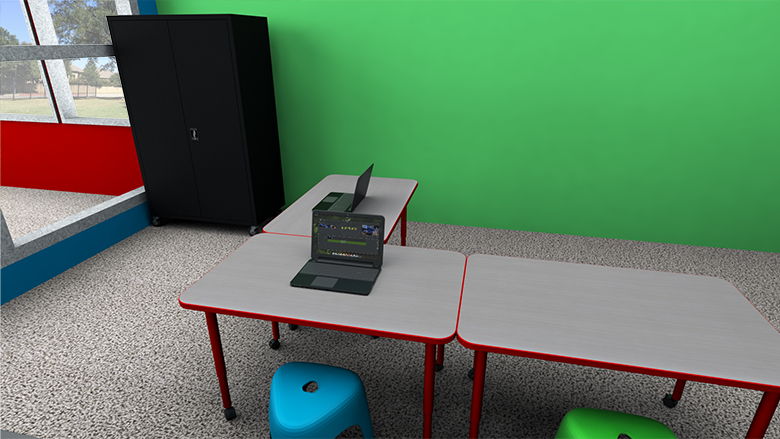
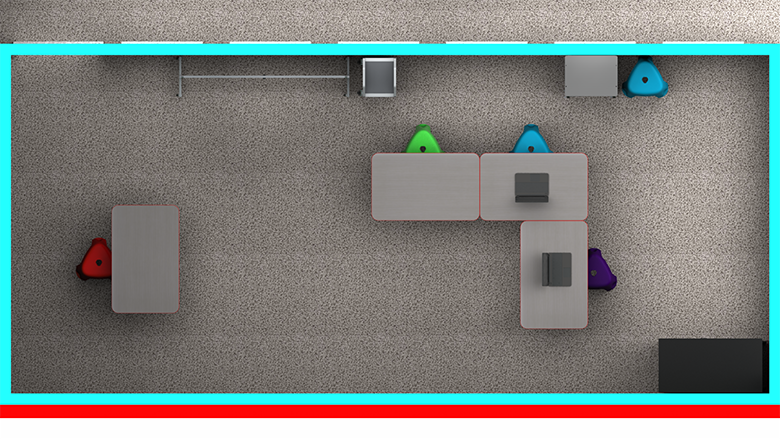
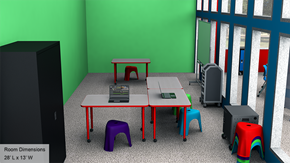
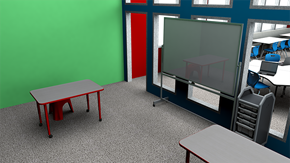
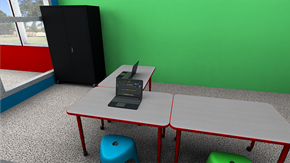
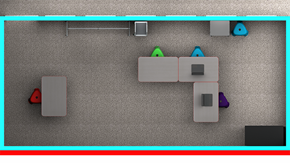
A video creation space in your school's makerspace introduces elementary students to writing and drafting, acting, filming, editing, sound engineering and more. Collaborative tables give students room to work on storyboards or plan projects, and technology tables offer a space for digital work. Flexible seating lets students easily arrange themselves into groups and a large, open area makes it easy to use AV equipment or set up a green screen.
The video creation space should give students access to technology, software and AV equipment, as well as spacious tabletops with comfortable seating they can use for group work and planning sessions. Open space should be available for filming or rehearsals.
The video creation space should feature open walkways, so they can easily move from one student group to another. Spacious work areas should be available for students to use while writing or planning. Ample storage keeps AV equipment and other supplies secure and organized.
The video creation space should be furnished to meet the goal of their facility. Products must be readily available and delivered on time. Installation should be quick and efficient.
Equip students for video capture and digital editing projects:
Mobile storage equipment makes it easy to move project supplies around the room:
School Outfitters makes it simple to outfit your school's video creation space. Choose the option that best fits your budget and needs and get an itemized quote with just one click, including all of our specially-designed solutions. Our helpful sales representatives are happy to answer any questions about our solutions and how you can put them to use in your school.
Call us at 1-800-260-2776 for personalized assistance.
A video creation space in a school's makerspace introduces elementary students to writing and drafting, acting, filming, editing, sound engineering and more. It features collaborative tables, technology workstations, flexible seating, and open areas for using AV equipment or setting up green screens.
Essential furniture includes mobile tables and stools for videography workstations, mobile dry erase boards for brainstorming, mobile bin storage for equipment, open shelving for larger items, lockable storage for expensive equipment, and mobile charging carts for devices.
Mobile furniture allows students to easily reconfigure the space for different projects. Tables and stools can be moved to create filming areas, pushed together for planning sessions, or relocated to serve as anchor desks for student newscasts and interviews.
Equipment should be stored using mobile bin storage for small items like lenses and filters, open shelving for larger equipment and props, and lockable storage for expensive items or those requiring teacher supervision. Mobile charging carts keep devices secure and ready for use.