
Ready to speak with
a project expert?
a project expert?
Call 1-800-260-2776.
We're ready to listen!
We're ready to listen!


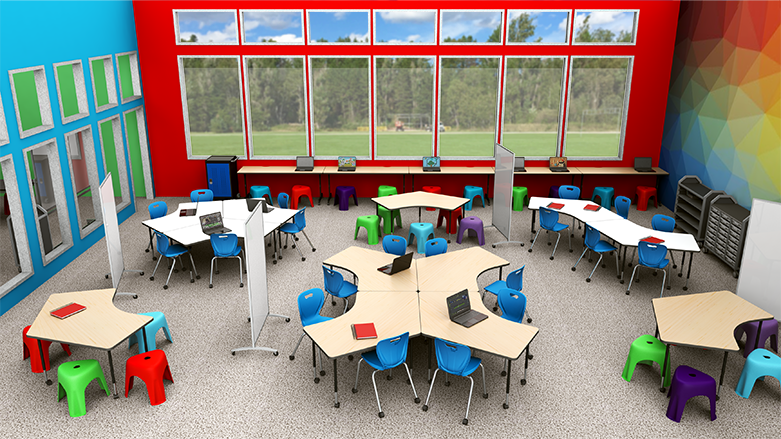
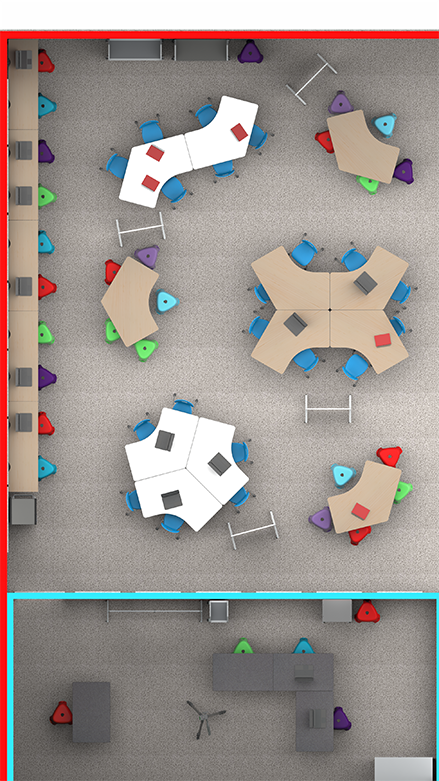
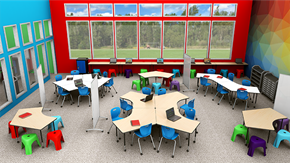
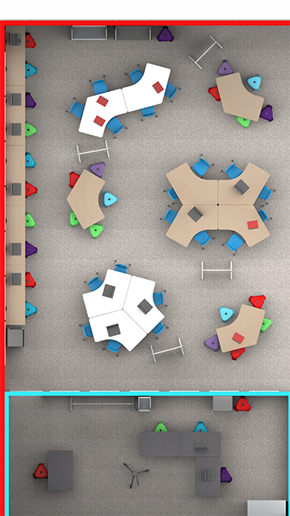
Introduce elementary school students to the exciting world of digital media with a comprehensive digital studio center. This innovative learning space combines audio visual equipment, cameras, and graphic design and animation software to develop 21st-century digital literacy skills. The studio incorporates both collaborative tables for group planning and discussions, and technology tables for independent or small-group digital work. Mobile whiteboards provide flexible brainstorming space and can create temporary partitions between working groups.
For Students: The digital studio should provide access to technology, software, and AV equipment alongside spacious tabletops with comfortable seating for group work and planning sessions. Students need freedom to move between collaborative planning areas and individual technology workstations.
For Teachers: The best digital studio features open walkways enabling easy movement from one student group to another. Mobile writing surfaces make presenting material and information simple while also functioning to section off workspaces when needed.
For Administrators: The digital studio should be furnished to meet all school needs with readily available products delivered on time. Installation should be quick and efficient to minimize classroom disruption.
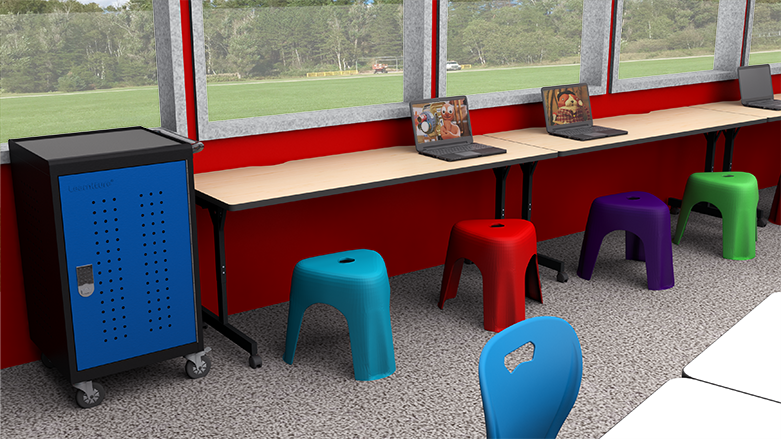
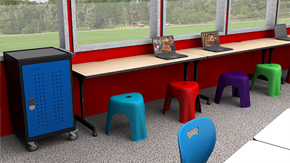
Technology areas make it easy for students to access and use devices in the classroom:
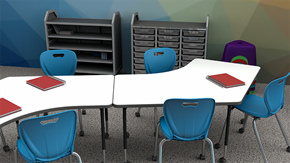
Designed to allow students to arrange themselves effectively for interactive teamwork:
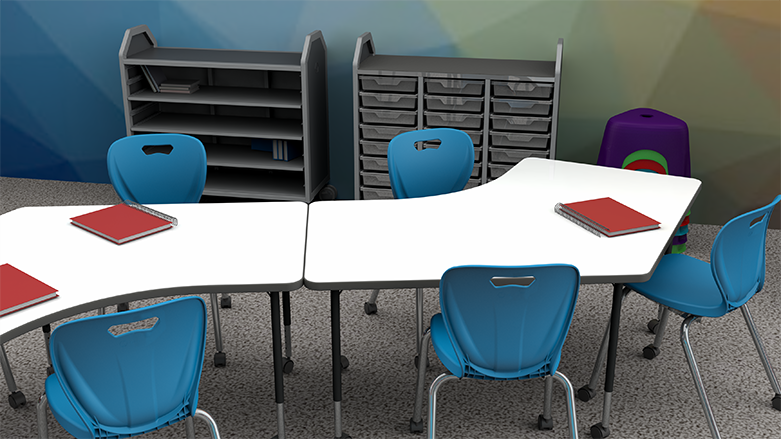
Makes distributing and collecting classroom supplies quick and easy:
School Outfitters makes it simple to outfit your school's digital studio. Choose the option that best fits your budget and needs and get an itemized quote with just one click, including all three specially-designed solutions. Our helpful sales representatives are ready to answer questions about our solutions and implementation in your school.
Contact us today: 1-800-260-2776
An elementary digital studio should include audio visual equipment, cameras, graphic design and animation software, mobile computer tables, collaborative tables for planning, and mobile storage equipment for supplies and charging devices.
Collaborative tables feature spacious work surfaces compact enough for team members to reach materials. Table shapes let all students see each other for equal participation. Mobile seating and dry erase easels allow brainstorming and idea presentation.
Mobile computer tables keep devices powered while featuring grommets to organize cables. Rolling casters make it easy for students to arrange tables into groups for collaborative digital work and independent projects.
Mobile bin storage can be rolled directly to collaboration stations for easy supply distribution. Mobile charging carts keep devices charged and secure overnight with locking doors and heavy-duty casters.